Payment recovery
ChatGPT payment was not approved: what to do next
The message usually points to the card issuer, a failed verification step or a region and billing mismatch. Check for a pending authorization first, fix one cause at a time and avoid repeated retries that can create overlapping holds.
Own account · No password · Stripe card, Apple Pay or Google Pay · Reviewed
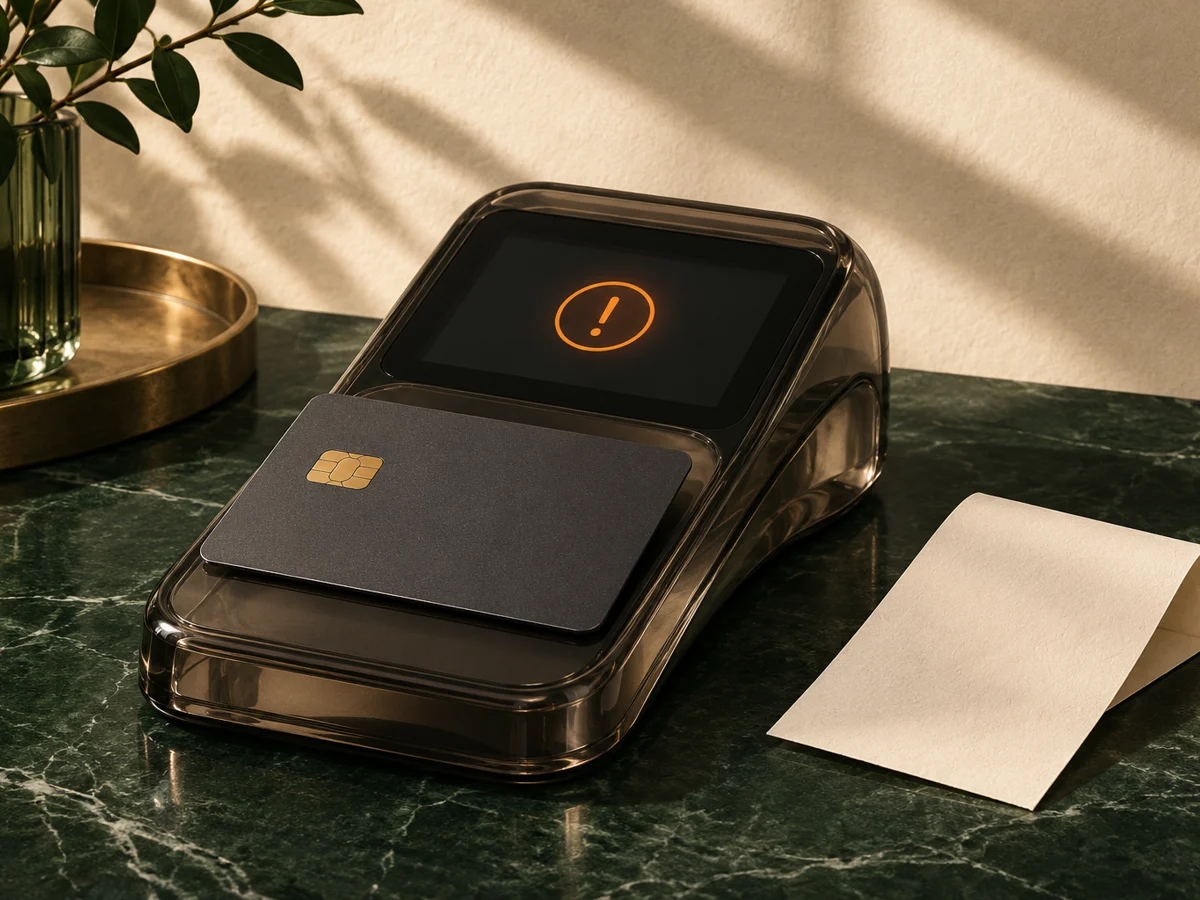
What does ChatGPT payment was not approved mean?
It means the payment attempt was not accepted by an issuer, wallet or verification step. The exact cause can be a blocked merchant, an unsupported card, failed 3-D Secure, mismatched billing details or a conflict with the current subscription.
Was money actually charged?
Check pending and posted transactions separately. A pending authorization is a temporary hold and is not proof that ChatGPT or this store received a completed payment. A posted amount should have a receipt, order status or active plan attached to it.
- Open the banking app. Look for a pending authorization and a posted charge as different states.
- Check the account email. Confirm the ChatGPT account and any purchase email match.
- Look for a receipt. A completed receipt is stronger evidence than a checkout page message.
- Wait before rebuying. Pending release times are controlled by the issuer, not by this guide.
Why does ChatGPT say payment was not approved?
Most failures come from one of the causes below. Match the symptom first instead of changing the card, country and browser all at once.
| Symptom | Likely cause | First fix |
|---|---|---|
| Immediate decline with no verification | Issuer block, restricted card type or unsupported currency | Ask the bank whether the merchant, country and USD online charge are allowed. |
| Bank verification fails or times out | Expired OTP, stale phone number or interrupted 3-D Secure | Update the registered phone and retry once from a fresh session. |
| Address or country is rejected | Billing details do not match the card | Use the name, address and country held by the issuer. |
| Same card previously worked | Recurring mandate, region mismatch or an existing paid period | Check the current plan and recurring-payment permissions. |
Why do Apple Pay, Google Pay and PayPal fail differently?
Apple Pay and Google Pay still rely on the card behind the wallet. A wallet decline is usually an issuer or card limitation, not a separate payment network. PayPal is not presented as a direct method on this store, and a PayPal-issued card can still be refused for a recurring USD charge.
Compare the supported routes in the ChatGPT payment methods guide. For wallet-specific failures, read the Apple Pay and Google Pay guide.
When should you retry, and when should you stop?
Retry once after correcting a cause that you can identify, such as an expired verification step, a blocked international charge or an incorrect billing country. Stop if the same message returns, a pending authorization exists or the account already shows a paid plan.
- Use one clean browser session and the normal connection.
- Complete bank verification in one attempt.
- Do not switch countries or account emails between attempts.
- Do not create a second purchase while the first payment is unresolved.
What if payment was taken but ChatGPT still shows Free?
Compare the receipt, account email and current subscription before paying again. A pending bank hold is not a completed purchase. If a posted payment is tied to the correct account but access does not update after the provider's stated window, use that provider's billing support.
For this store, check the order lookup page and contact support@chatgptplan.lol with the order number. Failed or undelivered top-ups are refunded in full on the same day.
What one-time ChatGPT top-up can avoid a recurring checkout?
A direct top-up is a separate one-month purchase applied to your own account. It removes the recurring card mandate from this store's route, but it does not change OpenAI's official plan rules or use a payment method your card cannot support.
| Plan | Best for | Live price | Availability | Order |
|---|---|---|---|---|
| ChatGPT Go Direct Top-Up (1 month) ChatGPT | Everyday use at the lowest paid price | $9.00 USD · one month | 131 displayed in stock Automatic · 1–3 min | Buy now → |
| ChatGPT Plus Direct Top-Up (1 month) ChatGPT | Daily personal use and the standard paid tier | $23.25 USD · one month | 110 displayed in stock Automatic · 1–3 min | Buy now → |
| ChatGPT Pro 5x Direct Top-Up (1 month) ChatGPT | Heavy users who regularly reach Plus limits | $129.00 USD · one month | 181 displayed in stock Support-assisted · 5–30 min | Buy now → |
| ChatGPT Pro 20x Direct Top-Up (1 month) ChatGPT | The largest usage ceiling in the current line-up | $189.99 USD · one month | 195 displayed in stock Support-assisted · 5–30 min | Buy now → |
| ChatGPT Business Seat Direct Top-Up (1 month) ChatGPT | Teams that need a managed Business seat | $28.34 USD · one month | 0 displayed in stock Support-assisted · 5–30 min | Buy now → |
How do you use a fallback without paying twice?
Confirm there is no active paid period or unresolved authorization before ordering. Keep the order number, use the account email that should receive the plan and never provide a ChatGPT password or login code.
Review the refund and charge recovery guide if a charge or delivery problem remains, and use the top-up versus subscription comparison before choosing the billing route.
Key takeaways
- A decline does not automatically create a completed charge.
- Check pending versus posted payments before retrying.
- One clean retry is enough; repeated attempts add risk.
Frequently asked questions
What does ChatGPT payment was not approved mean?
It normally means the card issuer, wallet issuer or payment verification step did not approve the transaction. It can also follow a region mismatch, an expired checkout session or an existing subscription conflict. Save the exact message before changing anything.
Does payment was not approved mean I was charged?
Not necessarily. A decline normally creates no completed charge, but some banks show a temporary pending authorization. Check pending and posted transactions separately before trying the card again.
Why does ChatGPT Plus say payment was not approved?
ChatGPT Plus is an international USD subscription, so the issuer may block the merchant, currency, card type or recurring mandate. A failed 3-D Secure step, mismatched billing country or an existing paid period can produce the same message.
How do I fix ChatGPT card declined?
Confirm international online USD payments are enabled, match the billing name and address to the card, complete the bank verification in one attempt and retry once. If the same card is refused again, stop repeating it and ask the issuer what rule caused the decline.
Why does Apple Pay or Google Pay fail for ChatGPT?
The wallet still passes an underlying card to the merchant. If that card is blocked, cannot pay in USD or fails verification, Apple Pay or Google Pay fails too. Google Play is separate from Google Pay and applies only to store-billed in-app purchases.
When should I stop retrying a failed ChatGPT payment?
Stop after one clean retry if the same error returns, if the bank shows a pending authorization or if the account already has an active plan. Repeated attempts do not reveal the cause and can create overlapping authorizations.
What if money was taken but ChatGPT still shows Free?
Save the receipt, confirm the ChatGPT account email and check whether the transaction is pending or posted. If it is posted but access does not update after the stated processing window, use the correct billing provider's support route instead of buying another period immediately.
Can a one-time ChatGPT top-up avoid the recurring payment failure?
A one-time top-up removes the recurring mandate from this store's payment route, but the underlying card must still support a USD online charge. It is a separate purchase for one month on your own account, not a repair of the official recurring subscription.
Does this store collect my ChatGPT password?
No. A direct top-up uses the account email required for delivery, not the ChatGPT password or a login code. Never provide credentials, recovery codes or remote-screen access to anyone offering to activate a plan.
Related ChatGPT guides
ChatGPT checkout error
Match page-load, completion and unsuccessful-purchase errors to the right recovery path.
Read more →ChatGPT payment methods
Compare card, Apple Pay, Google Pay and unsupported payment routes.
Read more →Fix a failed ChatGPT payment
Work through issuer blocks, 3-D Secure, billing mismatch and subscription conflicts.
Read more →Apple Pay and Google Pay
Understand wallet declines and the difference between Google Pay and Google Play.
Read more →